
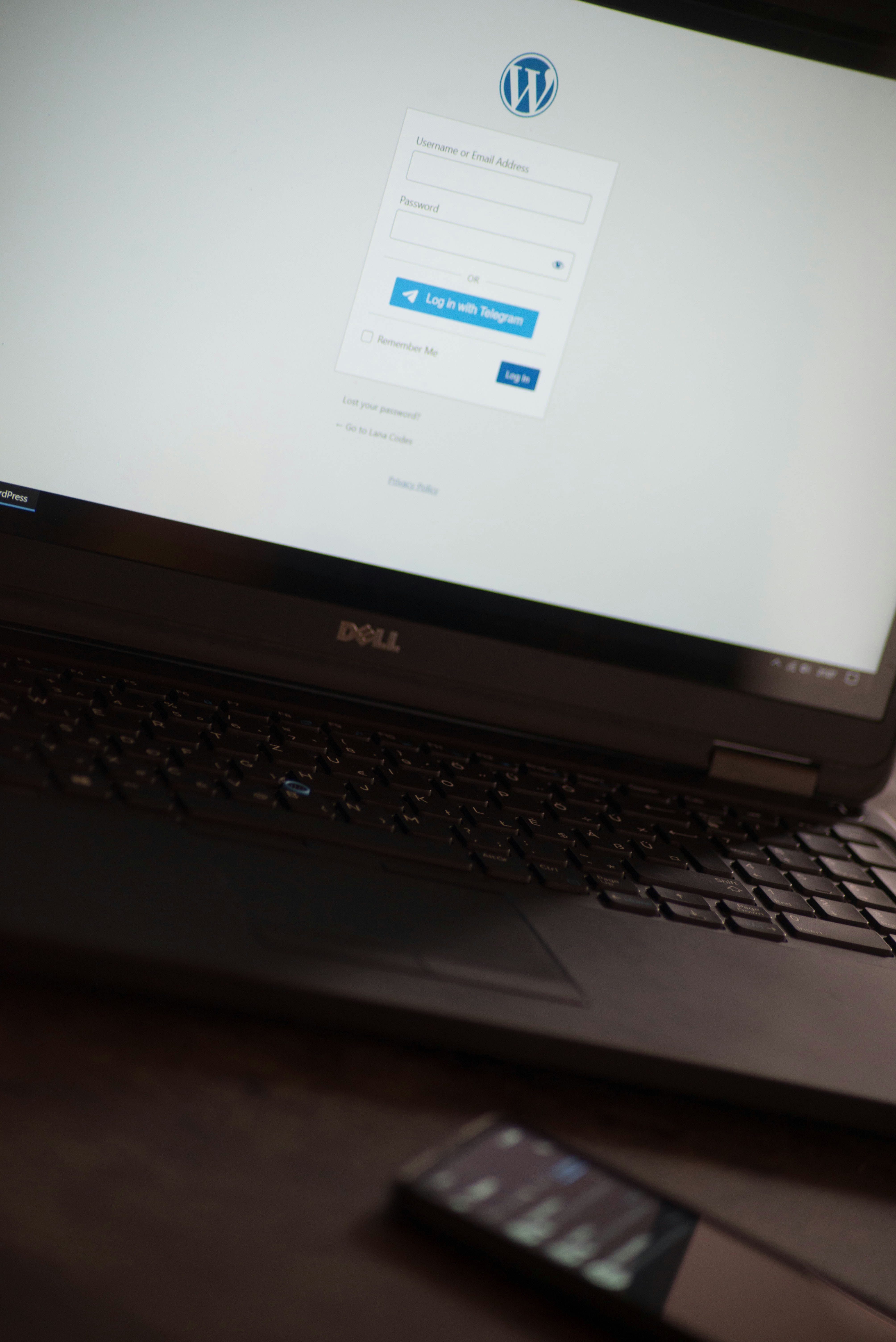
Introduction to WordPress and GoDaddy
WordPress is an open-source content management system (CMS) that has gained immense popularity since its launch in 2003. It allows users to create, manage, and publish digital content with ease. Today, WordPress powers over 40% of all websites on the internet, making it a preferred choice for individuals, businesses, and enterprises alike. One of the key factors contributing to its popularity is its versatility; users can build anything from a simple blog to a complex e-commerce site using various themes and plugins. Additionally, its user-friendly interface facilitates both novice and seasoned web developers in managing their sites effectively.
GoDaddy is a leading web hosting and domain registration service provider, known for its comprehensive solutions tailored to meet the needs of individuals and businesses. Established in 1997, GoDaddy has evolved into one of the largest domain registrars and hosts millions of websites globally. Users often choose GoDaddy for its robust infrastructure, reliability, and 24/7 customer support. GoDaddy’s hosting plans are particularly beneficial for WordPress users, as they are optimized specifically for the CMS, thus enhancing site performance and speed.
One of the standout features of GoDaddy is its easy-to-use interface, which simplifies the traditional complexities involved in setting up and managing a website. Their one-click WordPress installation feature allows users to get their sites up and running quickly, making it an ideal choice for newcomers. Besides, GoDaddy offers a range of additional services such as SSL certificates and marketing tools, further enriching the hosting experience.
By choosing GoDaddy as your hosting provider for WordPress, you gain access to a reliable platform that supports your website’s performance, security, and management needs. Understanding both WordPress and GoDaddy is essential for anyone looking to establish a successful online presence.
Step-by-Step Guide to Creating a WordPress Site on GoDaddy
Setting up a WordPress site on GoDaddy is a straightforward process, but it can seem daunting without clear instructions. This guide will walk you through the necessary steps, starting from selecting an appropriate hosting plan to successfully installing WordPress.
First, visit the GoDaddy website and navigate to the hosting section. Here, you can choose from various hosting plans. The Linux shared hosting plan is commonly recommended for WordPress sites, as it provides sufficient resources for beginners. Once you select your preferred plan, proceed to create or log into your GoDaddy account.
After logging in, follow the prompts to complete the purchase. GoDaddy will provide options for domain registration; if you haven’t already purchased a domain, you can do it during this step. Once your hosting plan is set up, access your GoDaddy account dashboard.
Next, locate the “My Products” section. Here, you will find your hosting plan listed. Click on the “Manage” button adjacent to the plan to access the hosting settings. Look for the option labeled “Install WordPress” and click it. GoDaddy’s interface streamlines this process through their WordPress installation tool, which will guide you through entering your site’s name, description, and admin credentials.
As the installation progresses, be prepared to encounter potential challenges, such as conflicts with existing applications or issues related to domain settings. If you run into trouble, GoDaddy’s customer support is a valuable resource. They also offer an extensive library of articles and FAQs that can assist you in troubleshooting common problems.
Once the installation is finished, you will receive a link to access your new WordPress admin dashboard. At this point, you can begin customizing your site, selecting themes, and adding plugins to enhance its functionality. Remember, each step is crucial in ensuring your WordPress site runs smoothly on GoDaddy.
Configuring Your WordPress Settings
Once you have successfully installed WordPress on GoDaddy, the next step involves configuring your WordPress settings. This essential part of site customization ensures that your website not only functions appropriately but also meets your specific needs. The initial configurations can significantly enhance usability and the overall experience for your visitors.
Firstly, it is crucial to set up your permalinks, which dictate the structure of your URLs. To do this, navigate to the Settings tab in your WordPress dashboard and select Permalinks. A popular choice for many site owners is the “Post name” option, which results in URLs that are both clean and SEO-friendly. This naming convention helps search engines understand the content of your pages better, thus improving your site’s visibility.
Following the permalink setup, the next step is to choose an appealing theme that aligns with your brand. WordPress offers an extensive variety of free and premium themes. Go to the Appearance section and select Themes to browse options. When selecting a theme, consider its responsiveness and compatibility with plugins, as these factors will greatly contribute to your site’s performance on both desktop and mobile devices.
Add essential plugins to bolster your site’s functionality. Plugins can enhance various aspects of your site, including SEO, security, and speed optimization. Some key plugins to consider include Yoast SEO for search engine optimization, Wordfence Security for site protection, and WP Super Cache for improved loading times. Once installed, configure these plugins according to your preferences and ensure they operate smoothly together.
Finally, don’t neglect the general settings found under the Settings menu. Here, complete your site’s title, tagline, and other general settings. This stage allows you to define the foundational aspects of your website, contributing to a polished and professional presence online. Ensuring that all of these elements are configured appropriately will allow your WordPress site to cater effectively to its target audience.
Launching Your WordPress Site and Beyond
Once your WordPress site is set up on GoDaddy, the next crucial phase involves launching it to the public. A successful launch can set the tone for your blog’s engagement and growth. To start promoting your blog, share the link across various social media platforms and invite friends or colleagues to visit and provide feedback. Consider creating email newsletters and content shares as effective strategies to reach a wider audience.
Regular maintenance of your WordPress site is essential for keeping it running smoothly and securely. This includes updating plugins and themes, monitoring site speed, and checking for broken links. Regular audits of your site help ensure that all components are functioning correctly, enhancing user experience, which is pivotal for attracting repeat visitors.
Security is another critical aspect post-launch. Implementing security measures, such as using strong passwords, enabling two-factor authentication, and regular backups, can significantly reduce risks associated with website vulnerabilities. It’s advisable to choose reliable security plugins that can help monitor suspicious activity and provide peace of mind.
Search engine optimization (SEO) should also be a priority for your newly launched blog. Employing best SEO practices, such as utilizing relevant keywords, optimizing image alt texts, and structuring your content effectively, can boost your visibility on search engines. Focus on building quality backlinks and regularly updating content to improve rankings over time.
As a WordPress user, leveraging resources available within the community is vital for your continued learning and support. Participate in forums, attend webinars, and read WordPress blogs to stay informed about the latest updates and best practices. Becoming part of community groups can also provide valuable networking opportunities and insights that may further enrich your blog development.